I remember watching a simple office task take far longer than it should have.
An employee received an email, copied information into a spreadsheet, opened another system, searched for a customer record, created a task, and then sent a confirmation message.
None of the individual steps was difficult.
The problem was that the employee had to repeat them dozens of times.
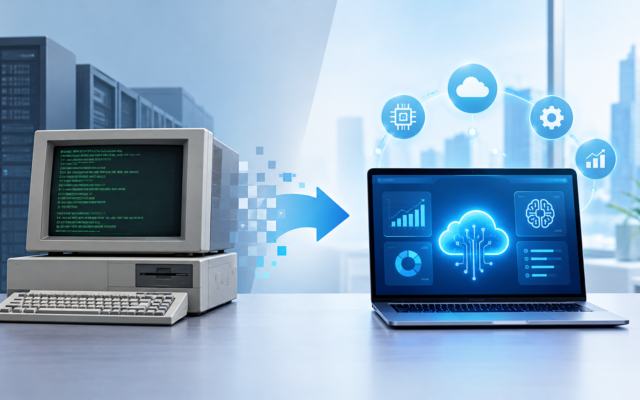
That’s where the idea of the digital workplace started making much more sense to me. A modern workplace isn’t simply an office where everyone has a laptop. It’s an environment where software, cloud services, automation, data, and increasingly artificial intelligence work together to reduce unnecessary effort.
In 2026, companies are experimenting with AI assistants, automated workflows, collaboration platforms, intelligent search, digital documents, and data-driven decision-making.
But the most useful changes aren’t necessarily the flashy ones.
Often, it’s the small automation that saves an employee 20 minutes every day.
Multiply that across a team, and the impact becomes significant.
What Is a Digital Workplace?
A digital workplace is essentially the collection of digital tools and systems employees use to communicate, collaborate, access information, complete tasks, and manage business processes.
It can include:
- Email and messaging
- Video conferencing
- Cloud storage
- Project-management software
- Customer relationship management systems
- Accounting platforms
- HR software
- Document management
- Business dashboards
- Automation tools
- AI assistants
For remote and hybrid companies, these tools can become especially important because employees may not share the same physical office.
But even traditional offices benefit from digital workplace systems.
The goal isn’t to put every task online.
The goal is to make work easier to organize and execute.
AI Is Becoming Part of Everyday Work
AI used to feel like a specialized technology that only developers and researchers interacted with.
That’s changing.
Employees can now use AI-assisted tools for everyday tasks such as:
- Drafting emails
- Summarizing meetings
- Analyzing documents
- Creating presentations
- Searching company information
- Writing code
- Generating reports
- Brainstorming ideas
- Translating content
- Organizing information
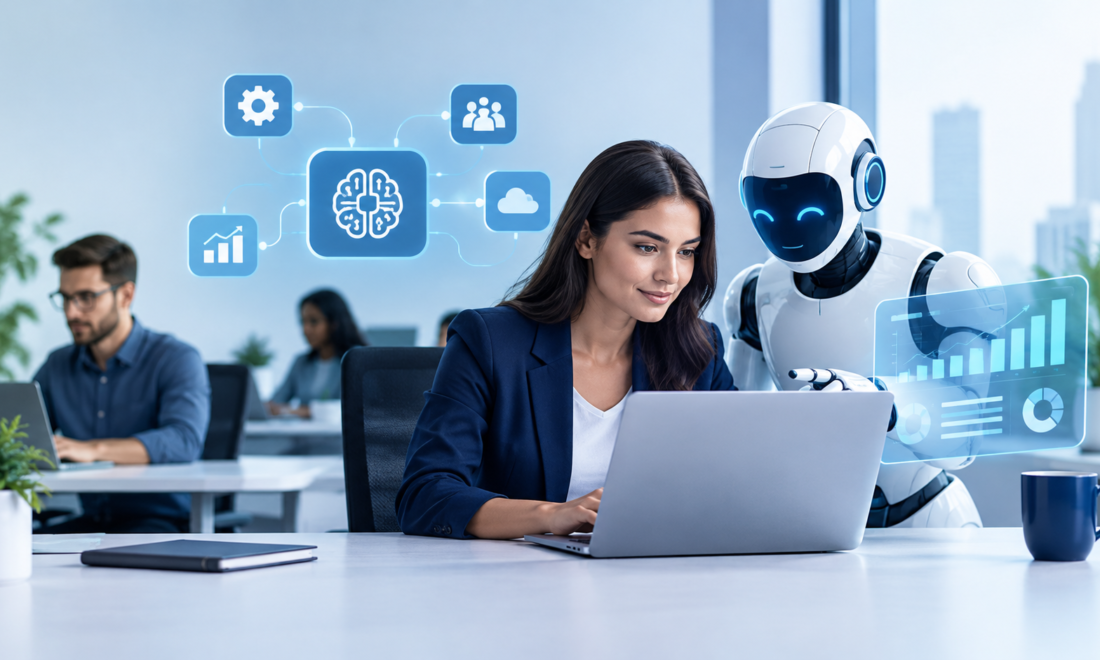
For example, imagine finishing a one-hour meeting and receiving an automatically generated summary containing key points, decisions, and action items.
Instead of manually reviewing the entire recording, the employee can check the summary and verify the important details.
That’s a practical use of AI.
It doesn’t need to replace an employee to provide value.
AI Assistants Are Moving Beyond Simple Chat
One of the more interesting changes is the move from standalone chatbots toward AI assistants integrated into workplace software.
Instead of opening a separate AI application, an employee might access AI directly inside the tools they already use.
For example, an AI assistant could help an employee:
- Find information in company documents.
- Summarize a customer history.
- Prepare a draft response.
- Analyze a spreadsheet.
- Create a task.
- Prepare a meeting summary.
This reduces the need to constantly switch between applications.
And application switching is a bigger productivity problem than it initially appears.
If an employee uses eight different systems throughout the day, even small amounts of friction add up.
Automation Handles Repetitive Work
AI gets most of the attention, but traditional automation remains extremely useful.
Consider an employee onboarding process.
Without automation, HR might need to:
- Create an employee record
- Send documents
- Notify IT
- Create accounts
- Schedule training
- Send welcome information
- Add the employee to internal groups
With an automated workflow, one approved HR action could trigger several of these tasks automatically.
Platforms such as Microsoft Power Automate, Zapier, and Make can connect different applications and automate many rule-based workflows.
The important distinction is:
Automation follows predefined rules.
AI can handle tasks involving interpretation or generation.
Businesses can use both.
The Best Automation Opportunities Are Usually Boring
This is something I learned from working with digital workflows.
People often look for impressive automation projects.
But the biggest practical opportunities are frequently boring.
For example:
- Renaming files
- Sending reminders
- Updating records
- Creating invoices
- Moving data between systems
- Generating routine reports
- Assigning tasks
- Sending confirmation emails
If an employee spends 30 minutes every day doing the same repetitive task, automating it can create measurable value.
You don’t need an impressive AI demo.
You need a problem that occurs repeatedly.
Collaboration Has Changed
Modern workplace collaboration is no longer dependent on everyone sitting around the same table.
Employees can work together using platforms such as Microsoft Teams, Slack, Google Workspace, Zoom, and project-management applications.
A team member in one location can edit a document while another reviews it from somewhere else.
Tasks can be assigned digitally.
Meetings can happen through video.
Files can be stored centrally.
This flexibility can be useful, but it introduces another challenge:
Too many digital tools can become overwhelming.
The Problem With Too Many Workplace Apps
I’ve seen teams install new tools with good intentions and eventually end up with a confusing collection of platforms.
One application handles tasks.
Another handles documents.
Another handles communication.
Another handles meetings.
Another contains customer information.
Another stores passwords.
Another generates reports.
Employees then spend time figuring out where information is stored instead of actually using it.
A digital workplace should therefore be designed around simplicity.
Before adding another tool, ask:
Can an existing platform already solve this problem?
Sometimes the best digital transformation is removing three applications rather than adding another one.
Digital Documents Are Changing Office Processes
Paper-based processes are gradually being replaced by digital documents and electronic workflows.
A traditional approval process might look like:
Print → Sign → Scan → Email → Save → Wait
A digital process could look like:
Review → Approve → Sign electronically → Automatically store
This can reduce delays and make documents easier to search.
It can also improve visibility.
Instead of asking someone, “Where is that document?”, employees can search the appropriate digital system.
However, companies still need sensible policies around access, retention, backups, and sensitive information.
Intelligent Search Is Becoming More Important
As companies accumulate more digital information, finding information becomes a problem.
Employees may have access to:
- Thousands of documents
- Emails
- Presentations
- Policies
- Customer records
- Internal guides
- Project files
Traditional keyword search doesn’t always provide the answer employees need.
AI-assisted search can potentially help users ask questions in natural language and retrieve relevant information from approved company sources.
For example, instead of searching:
“expense policy 2026 travel hotel”
an employee might ask:
“What is the company’s hotel reimbursement limit for business travel?”
The system can search relevant documents and present an answer with supporting information.
That can save time, particularly in large organizations.
AI Doesn’t Mean Every Decision Should Be Automated
This is an important boundary.
AI can generate useful recommendations, but businesses shouldn’t automatically hand over every important decision to an algorithm.
Human review may be especially important for decisions involving:
- Hiring
- Employee performance
- Financial transactions
- Legal matters
- Customer disputes
- Security incidents
- Sensitive personal information
The more consequential the decision, the more carefully the organization should consider human oversight.
AI output can be useful without being treated as unquestionable.
Data Quality Becomes More Important
There’s an old technology principle that remains relevant:
Bad input can produce bad output.
If a company’s customer records are incomplete or contradictory, an AI assistant may struggle to provide reliable answers.
For example, imagine three customer records exist for the same person because different employees entered the name differently.
An AI system might interpret them as three separate customers.
That’s why digital workplace modernization needs good data practices.
Companies should consider:
- Standardized data formats
- Duplicate detection
- Access permissions
- Data ownership
- Regular cleanup
- Backup procedures
AI works better when the underlying information is organized.
Cybersecurity Is Part of the Digital Workplace
The more work moves online, the more important security becomes.
Employees now access company systems from laptops, smartphones, home networks, and sometimes public locations.
Businesses need basic security controls such as:
Multi-Factor Authentication
A password alone shouldn’t always be the only protection for important accounts.
Strong Access Controls
Employees should only have access to information required for their roles.
Software Updates
Outdated software can introduce avoidable security risks.
Employee Training
Employees need to recognize phishing attempts, suspicious links, fake login pages, and other common threats.
Backups
Important information should have appropriate backups and recovery procedures.
Security isn’t just an IT department responsibility anymore.
Every employee interacts with the digital workplace.
The Human Side of Workplace Automation
Technology can improve productivity, but introducing it poorly can create resistance.
Imagine an employee who has performed a particular task manually for ten years.
Management suddenly announces:
“We’ve automated your workflow.”
The employee may immediately wonder:
- Will my job disappear?
- What am I expected to do now?
- Who will support me if the system fails?
- How does this help me?
- What happens if the AI makes a mistake?
These concerns shouldn’t simply be dismissed.
Employees need clear explanations, training, and opportunities to provide feedback.
A successful digital workplace isn’t just technically functional.
People need to be comfortable using it.
A Practical Way to Introduce AI and Automation
If you’re responsible for technology at a small or medium-sized company, don’t start by trying to automate everything.
Start small.
Step 1: Find Repetitive Tasks
Ask employees:
“What task do you repeat every day that you wish you didn’t have to do?”
The answers can reveal excellent automation opportunities.
Step 2: Estimate the Time Cost
Suppose 10 employees each spend 20 minutes per day on the same repetitive process.
That’s more than three hours of combined work every day.
Over a year, the time adds up quickly.
Now you have a measurable business problem.
Step 3: Check Existing Software
Before buying new AI tools, check whether your existing workplace software already offers automation or AI capabilities.
Step 4: Run a Small Pilot
Test the workflow with a limited group.
Don’t immediately change the entire company.
Step 5: Keep Humans in the Loop
For important processes, allow employees to review automated results.
Step 6: Measure the Results
Track:
- Time saved
- Error reduction
- Processing speed
- Employee satisfaction
- Customer response time
- Operating costs
If the numbers improve, expand the project.
If they don’t, find out why before spending more money.
Common Digital Workplace Mistakes
Automating a Bad Process
Automation can make a bad process faster without making it better.
Fix unnecessary steps first.
Using AI Without Verification
AI-generated information should be reviewed when accuracy matters.
Buying Too Many Tools
More applications don’t automatically mean greater productivity.
Ignoring Employees
Technology adoption depends heavily on the people using the systems.
Forgetting About Security
Every new integration can introduce additional access points and data-management considerations.
Measuring Activity Instead of Results
A team using ten productivity applications isn’t necessarily more productive than a team using three.
Measure outcomes instead.
What the Digital Workplace May Look Like
The workplace of the future probably won’t be one giant AI system doing everything.
It may be a collection of connected tools that work together more smoothly.
For example:
Employee → AI assistant → Company knowledge → Business applications → Automated workflow → Human approval → Completed task
An employee could ask for information in natural language.
The system could find relevant company data, prepare a response or recommendation, and then allow the employee to approve the action.
This could make many workplace processes faster without removing human responsibility.
Final Thoughts
The digital workplace is changing from a collection of separate applications into a more connected working environment.
AI can help employees write, search, analyze, summarize, and create.
Automation can handle repetitive workflows.
Cloud platforms make information accessible across locations.
Digital documents reduce manual paperwork.
Analytics can help managers understand what’s happening.
But technology alone doesn’t create a productive workplace.
The biggest improvements usually happen when a company starts with a genuine problem and then chooses the simplest technology that solves it.
If employees are wasting time copying information between systems, fix that.
If people can’t find important documents, improve information management.
If customer requests take too long to process, examine the workflow.
If routine reports consume hours every week, automate them.
And if AI can safely help with part of the process, introduce it where it actually provides value.
The goal isn’t to create a workplace filled with AI for the sake of saying that the company uses AI.
The goal is much simpler:
Give people better tools, remove unnecessary work, and create systems that help employees spend more time on tasks that actually require human judgment and creativity.